Why Does My Hard Drive Show Less Space Than It Has
IT Problem
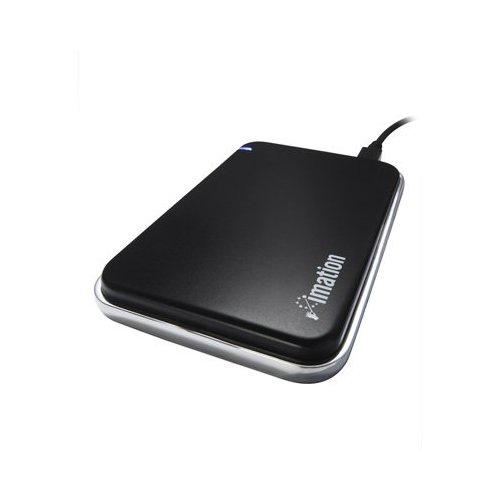
You have a new hard disk or a new external hard drive. When you format it up it shows as having a lot less space than what you have bought. For example a New 1TB hard disk when formatted with NTFS with only show 931GB
IT Solution
Hard drives internal and external are sold and marketed using decimal gigabytes.This means that a “GB” consists of 1,000,000,000 bytes.
However, computers do now work out hard disk size in decimal they interpret gigabytes in binary. To a computer, 1 GB = 2^30 bytes, or 1,073,741,824 bytes.
The ratio of “actual” to “usable” file size is the ratio of these two interpretations, or roughly 0.9313225.
This means that an X-sized (marketed by the seller of the hard disk) drive actually has 0.9313225*X of space usable to a computer.
For more information on what a megabyte is have a read of wikis information http://en.wikipedia.org/wiki/Megabyte
Tags: hard drive space

 Loading ...