

Step By Step Guide On Installing Trend Scanmail On Exchange 2010
You are looking to install Trend scanmail for exchange on your system. Here is a step by step guide on how to install trend scanmail
IT Solution
First locate the scanmail setup exe and double click to start the installation.
First you will see the welcome screen, select next to continue
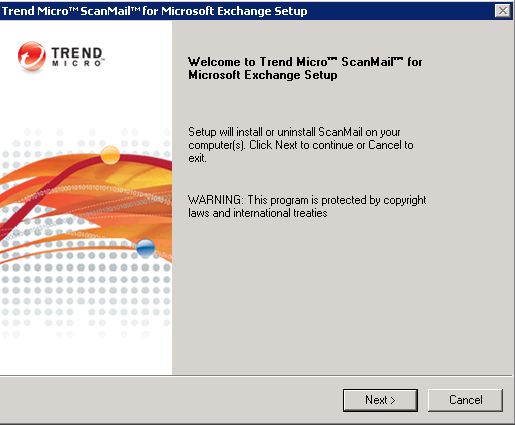
install scanmail welcome screen
Accept the standard license agreement and click next to continue.
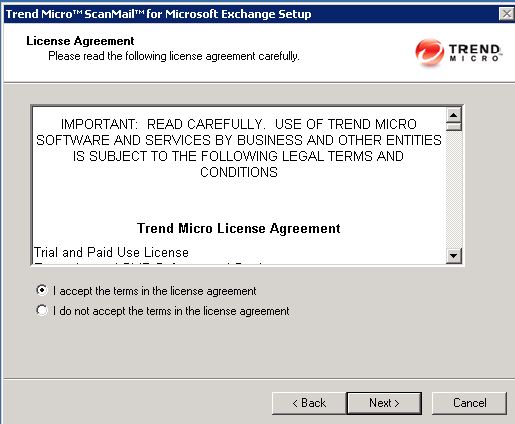
accept trend license
We are doing a standard install of trend scanmail so select that and then continue.
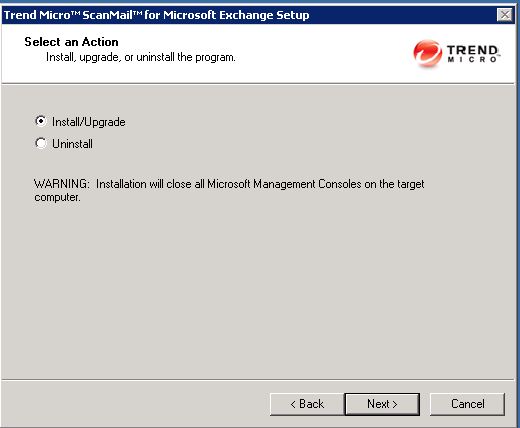
Trend scanmail install Exchange 2010 Guide
The next screen asks which version of exchange we are going to install trend scanmail into. we are going to install into Microsoft exchange 2010. My environment does not have an edge server, so ill be installing into the standard roles of Hub and Mailbox. If you have and edge server the install into that to keep the spam etc outside your network.
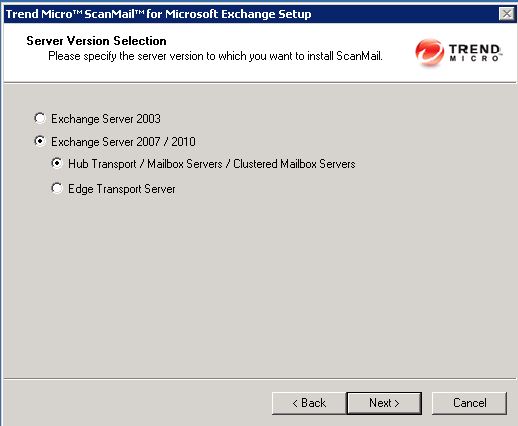
install trend exchange version
On the next screen you will get asked for the location of your exchange server, simply browse to in then click next to continue. If you cannot locate the server then it is most likely the local firewall on the exchange server.
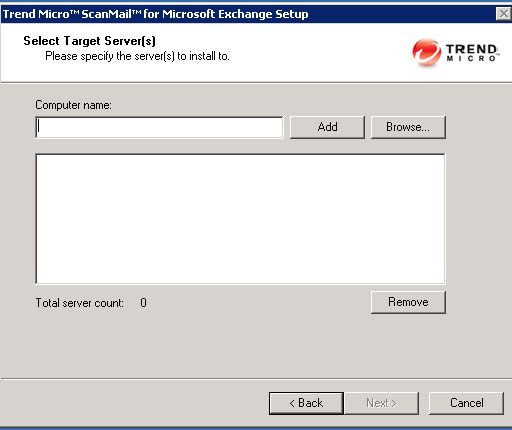
select exchange server for trend
On the following screen you will need to enter the user account with permissions to install trend scanmail. I use my domain admin account. So enter
YOURDOMAIN\Adminaccount then its password
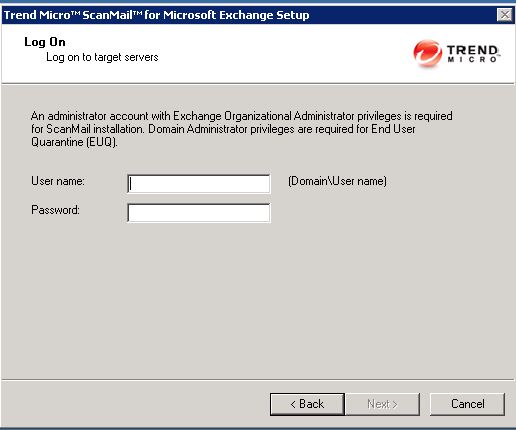
install trend account properties
The next screen asks you where you would like it installed, remember when trend runs it can create quite a large amount of log files , so make sure the volume you install has plenty of space.
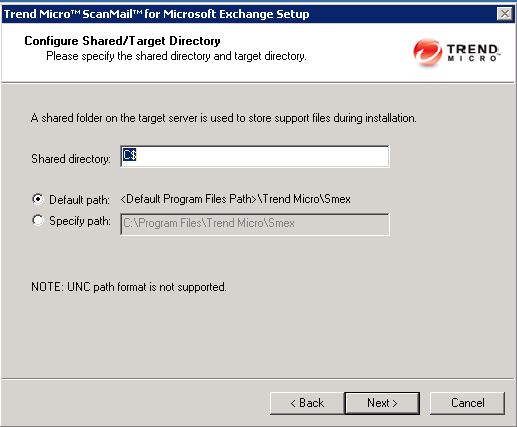
scanmail select volume
You will now be asked what website you would like trend scanmail to be installed into. I need the defaults. if you require all information to be encrypted between the web console and the scanmail server then select the SSL option.
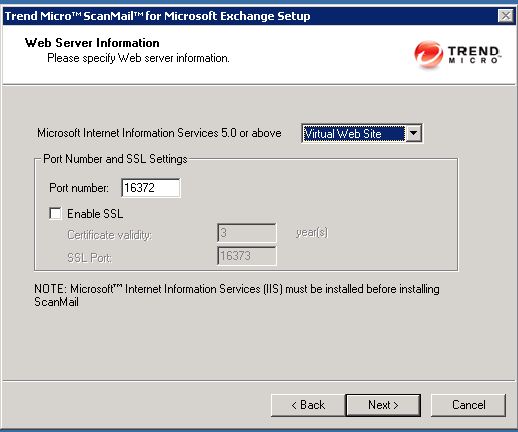
scanmail ssl web
Scanmail will now go away and try to connect to your exchange server to make sure your server has the correct requirements before installing.
Once done, it will underline your server then you can click next to continue.
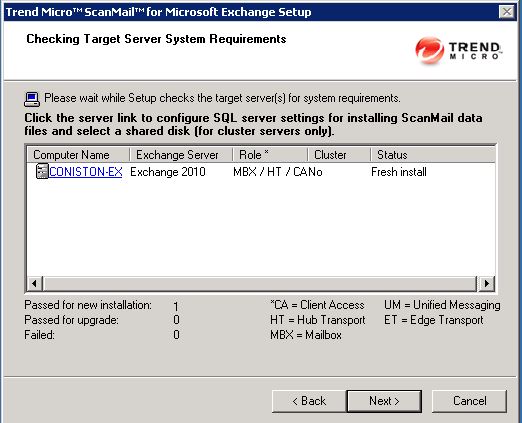
scanmail check server
Then , if you use a proxy server you will need to enter it here. This will allow trend scanmail to go out to the internet so it can get pattern updates.
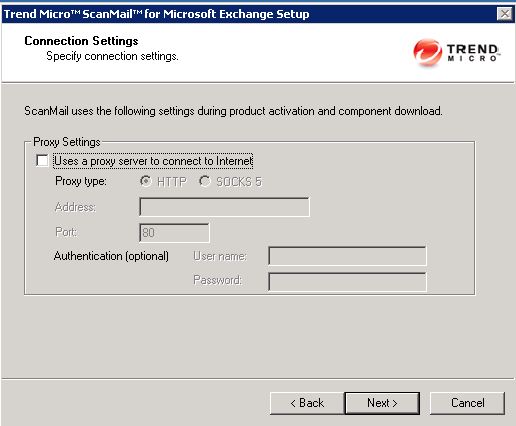
scanmail proxy
Next, simply pop in your Valid Trend Scanmail Activation code.
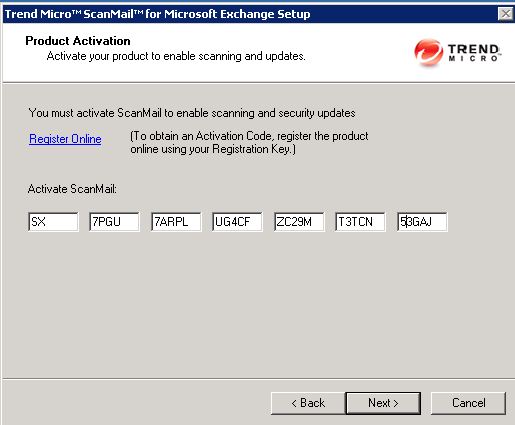
scanmail activation code
Then you will get asked if you want to join the virus tracking program that trend runs, if you would then simply select yes or no. Then select next to continue.
The following option asks what you would like to do with your SPAM, if you want your users to manage there own then select integrate with Outlook Junk Email, if you prefer to manage it centrally then select End User Quarantine.
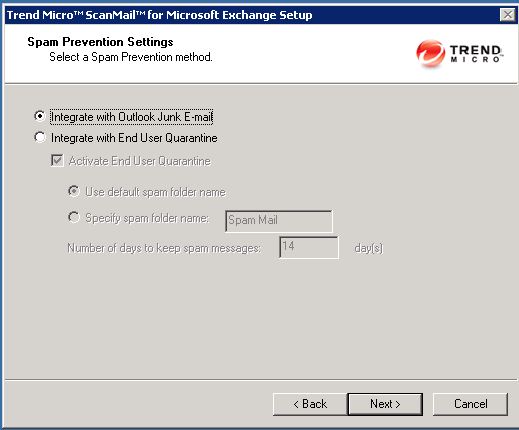
scanmail junk email setting
If you use trend control manager and would like to integrate scanmail with it then this is the screen to do so, I do not so its next to continue.
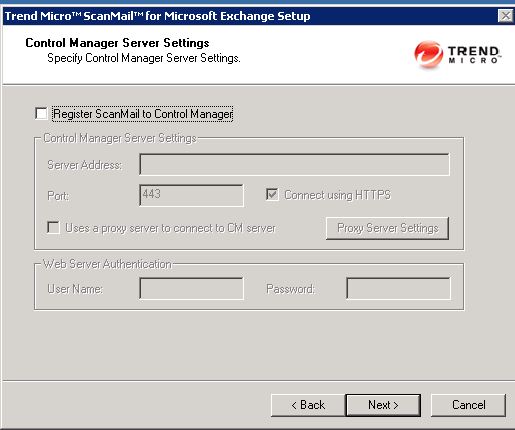
scanmail control manager
Next you can choose are allowed to administrate trend scanmail, browse to the security group in active directory and select it, by default use Domain admins.
Then you can review the install settings, do so then click next to install the application. This may take around 10 minutes.
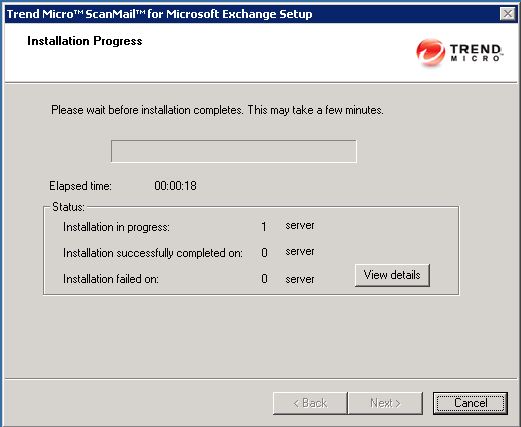
installing scanmail
Thats it, we now need to service pack Trend. So again browse to the location of the service pack it double click set-up. The service pack process is almost the same as the install process.
Tags: scanmail

 Loading ...




JasonB
| #
So if I’m reading this right. You’ll need IIS running on your HT/CAS/MX servers if you have them all separate?
Reply
admin
| #
Scanmail needs a web backend so when you install it asks whether it can install into iis or if it can install apache. Its much easier to manage one web backend than two. I presume you have a MX server ( old back end ) and HT and CAS ( old frontend ) on another?
If so, id install the scanmail on the MX server so only one iis instance is needed and also when you run scheduled scans all the processing isdone on one box and not over the lan.Remember to set the scanmail web management console onto a port that OWA will not be using It will do no harm if you put iis on your CAS and HT server either though.Any problems then im normally online 🙂
Reply
Casper
| #
Hi,
I have a question regarding activation of Trend Scanmail. Do I have to create a receive connector after installation on system, or the scanmail have auto integration with exchange?
Reply
Allen White
| #
No, scanmail is integrated at the transport layer level so once installed it is good to go when enabled.
Reply