Rename A PC Remotely
IT Problem
You need to rename a pc remotely for admin reasons, this can be useful if you cannot RDP or VNC to the pc to do this but the pc has a connection to a domain controller.
IT Solution
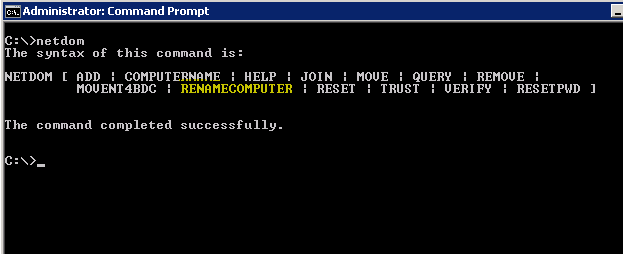
This can be done with the netdom command
netdom renamecomputer yourcomputernamehere /newname:newcomputernamehere /UserD:DOMAIN\yourusername /PasswordD:yourpassword
Where the text is bold enter your variables for the pc rename. Make sure that the user that you use is a domain admin or at least has rights to add a a pc to a domain.
Tags: command line

Allen White
Allen is an IT Consultant and holds the following accreditations. MCSA, MCSE, MCTS, MCITP, CCA, CCSP, VCP 4,5, 6 and HP ASE, AIS - Network Infrastructure.
 Loading ...